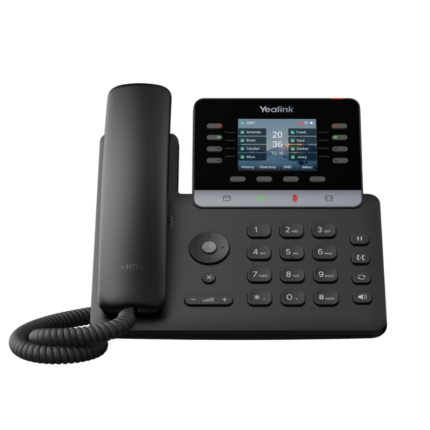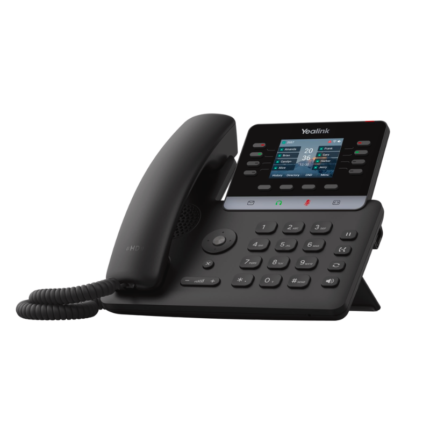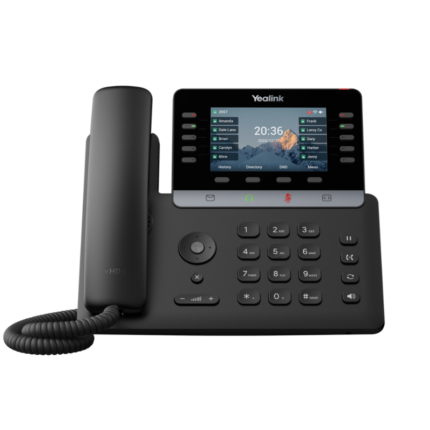

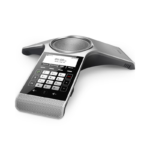
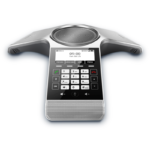
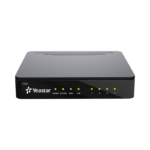
Yealink CP920
Key Features
- 3.1” 248×120-pixel graphical LCD with backlight
- Optimal HD audio, full duplex technology
- Yealink Noise Proof Technology
- 20-foot (6-meter) and 360-degree voice pickup
- Built-in 3-microphone array
- Sensitive touch keypad
- 5-way conference call
- Hybrid UC meeting
- Built-in Wi-Fi (2.4GHz, 802.11.b/g/n)
- Built-in Bluetooth 4.0 for mobile device and PC/tablet connections
- RJ45 Ethernet port (10/100M)
- Powered via Power over Ethernet (PoE) or 12V power adapter (power sold separately, see drop down option above)
- SIP v1 (RFC2543), v2 (RFC3261)
- Local USB call recording
- Can connect to the PSTN via optional Yealink CPN10 PSTN Box
Description
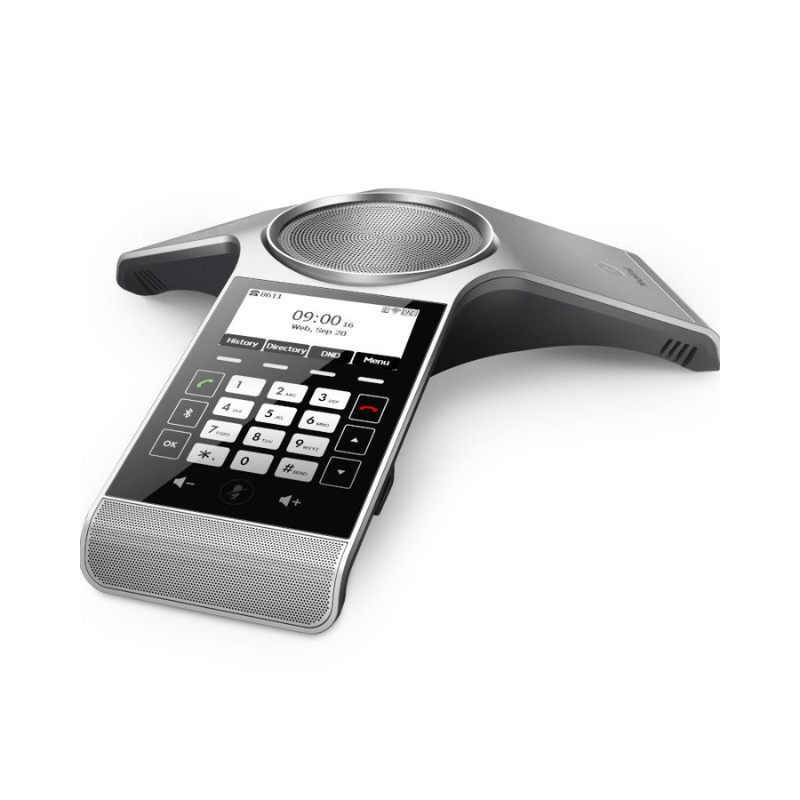
 The Yealink CP920 IP Conference Unit is a perfect solution for your small to medium conference room. Featuring a touch-sensitive button pad, a graphic backlit display, HD audio, and full duplex technology, the CP920 combines easy-of-use with crystal clear audio. Built-in WiFi and Bluetooth technology provide flexible connections to your companies data network and mobile devices. The CP920 is SIP compatible and can be used with a variety of IP PBX systems and hosted service providers.
Features
Noise Proof Technology |
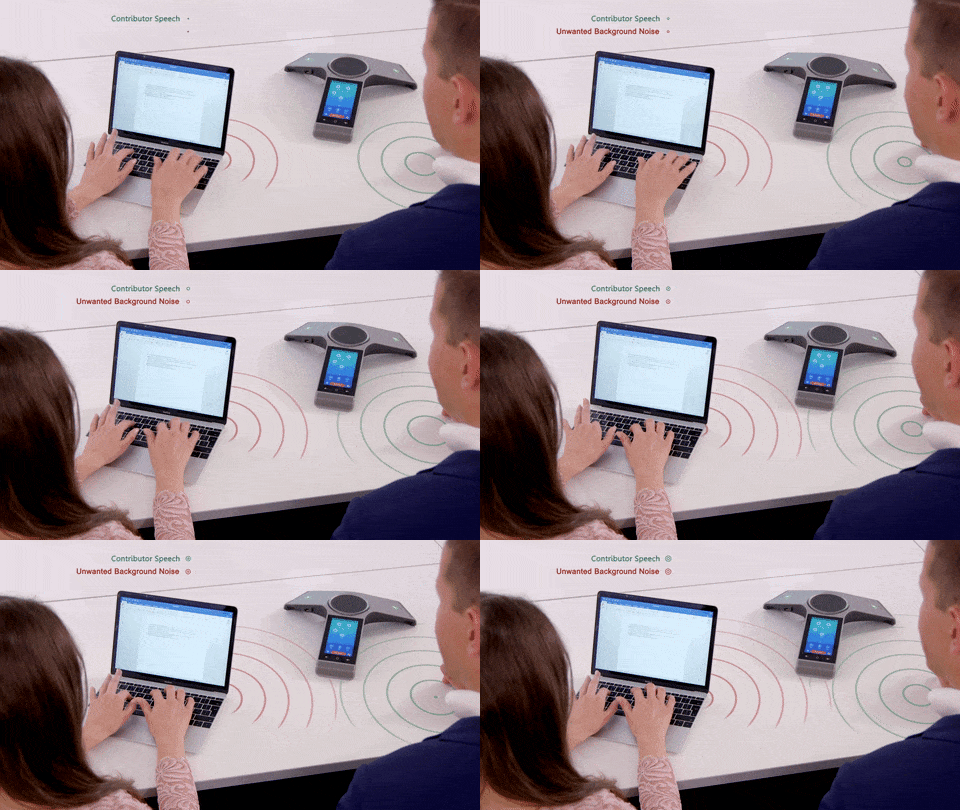 The Yealink Noise Proof Technology intelligently eliminates background noises. It automatically mutes the microphone when no human speech is detected. When speech is detected, it automatically minimizes background noise. The Yealink Noise Proof Technology intelligently eliminates background noises. It automatically mutes the microphone when no human speech is detected. When speech is detected, it automatically minimizes background noise. |
Voice Pickup |
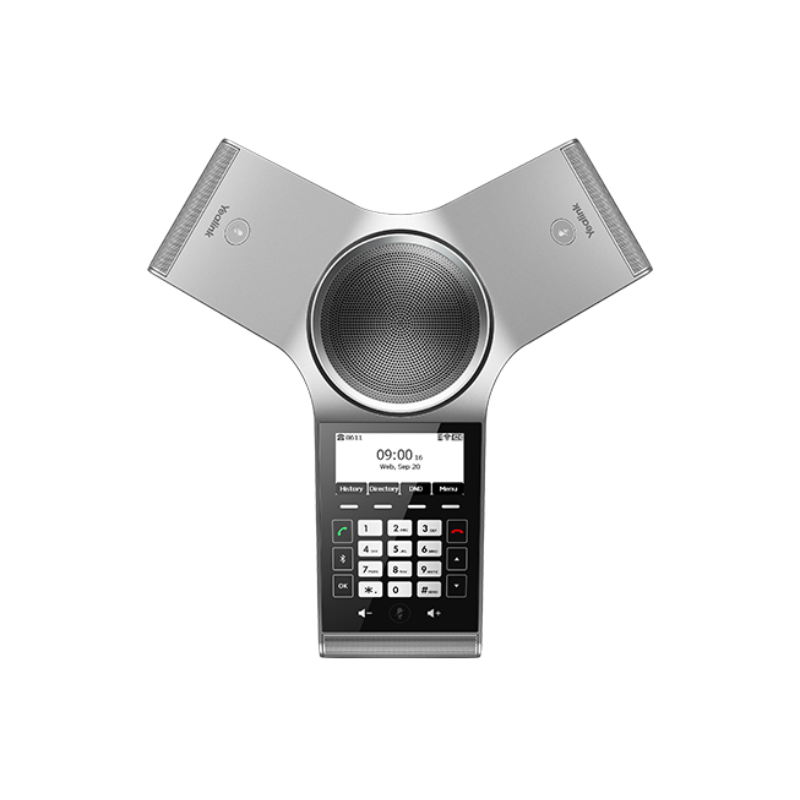
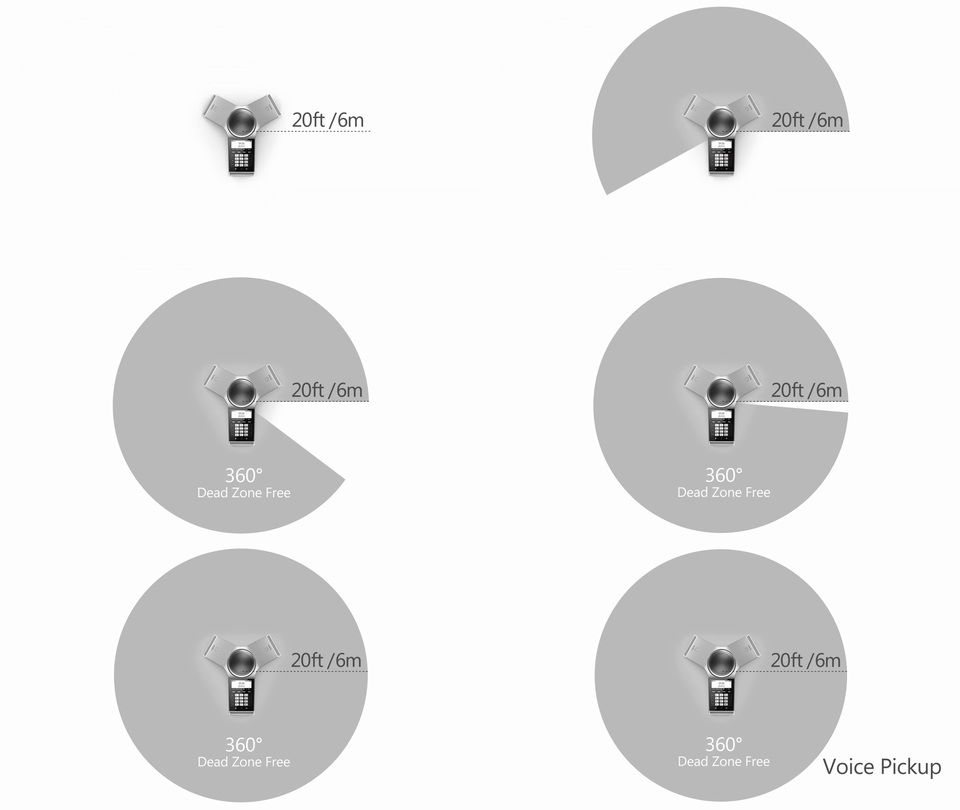 The Yealink CP930W is designed with 3 microphone arrays which supports 20-foot and 360-degree HD voice pickup. It provides the mobility for participants to walk around in the meeting room freely, and delivers the flexibility to meet the coverage needs of different meeting sizes. The Yealink CP930W is designed with 3 microphone arrays which supports 20-foot and 360-degree HD voice pickup. It provides the mobility for participants to walk around in the meeting room freely, and delivers the flexibility to meet the coverage needs of different meeting sizes. |
Hybrid UC Meeting |
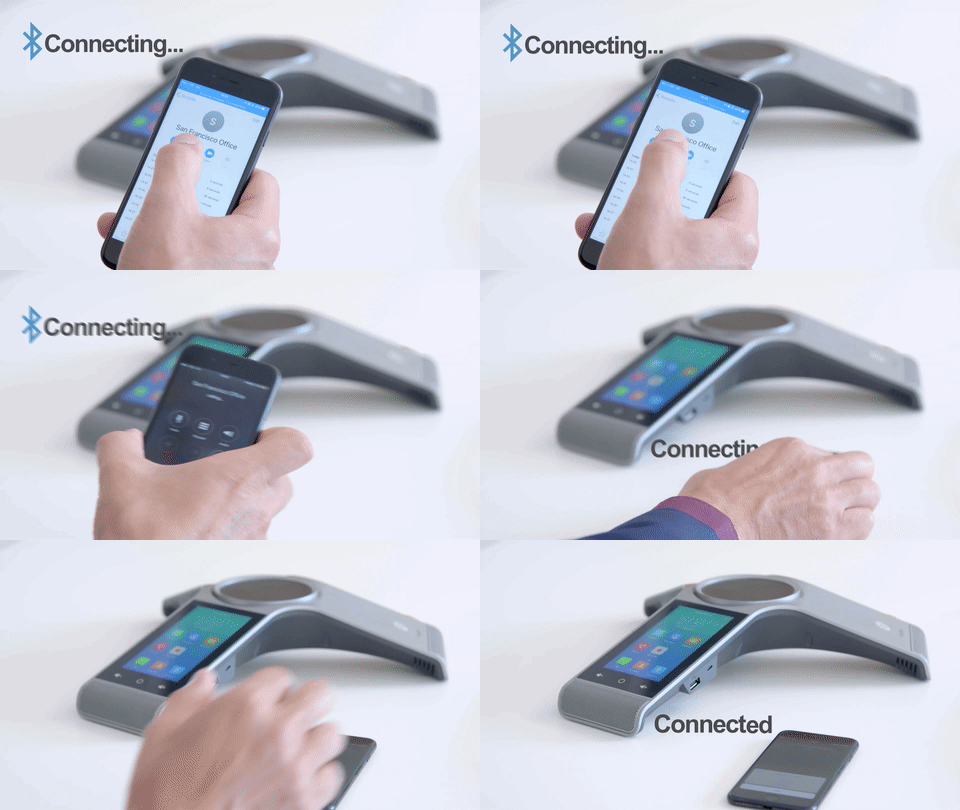 The Yealink Hybrid UC Meeting is designed to bridge calls from different devices into one conference call. By pairing your device via USB or Bluetooth with your Yealink conference phone, the calls can be connected to the conference phone. The Yealink Hybrid UC Meeting is designed to bridge calls from different devices into one conference call. By pairing your device via USB or Bluetooth with your Yealink conference phone, the calls can be connected to the conference phone. |
Touch Sensitive Keyboard |
|
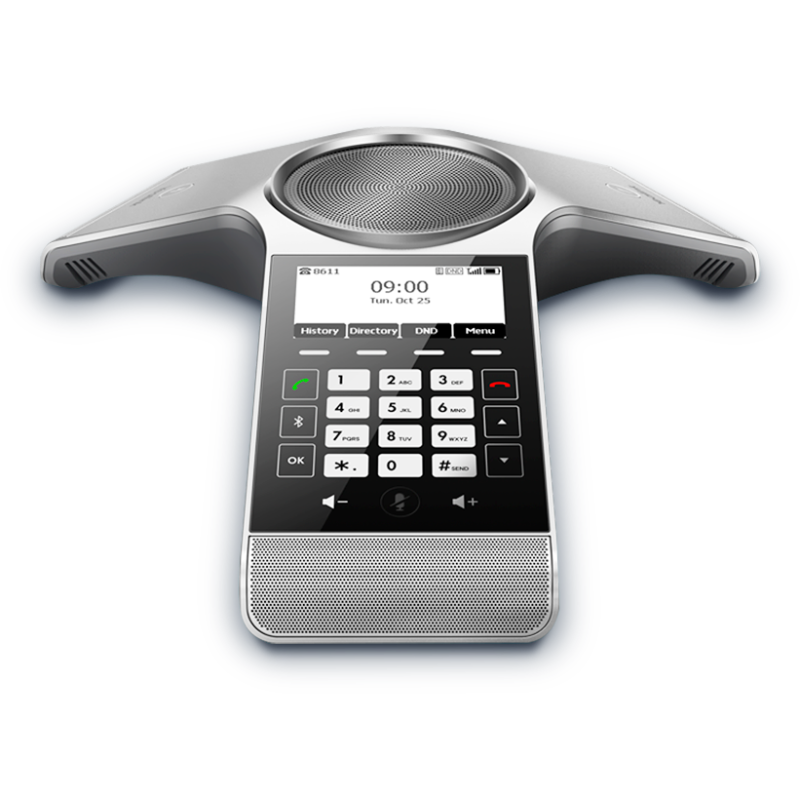
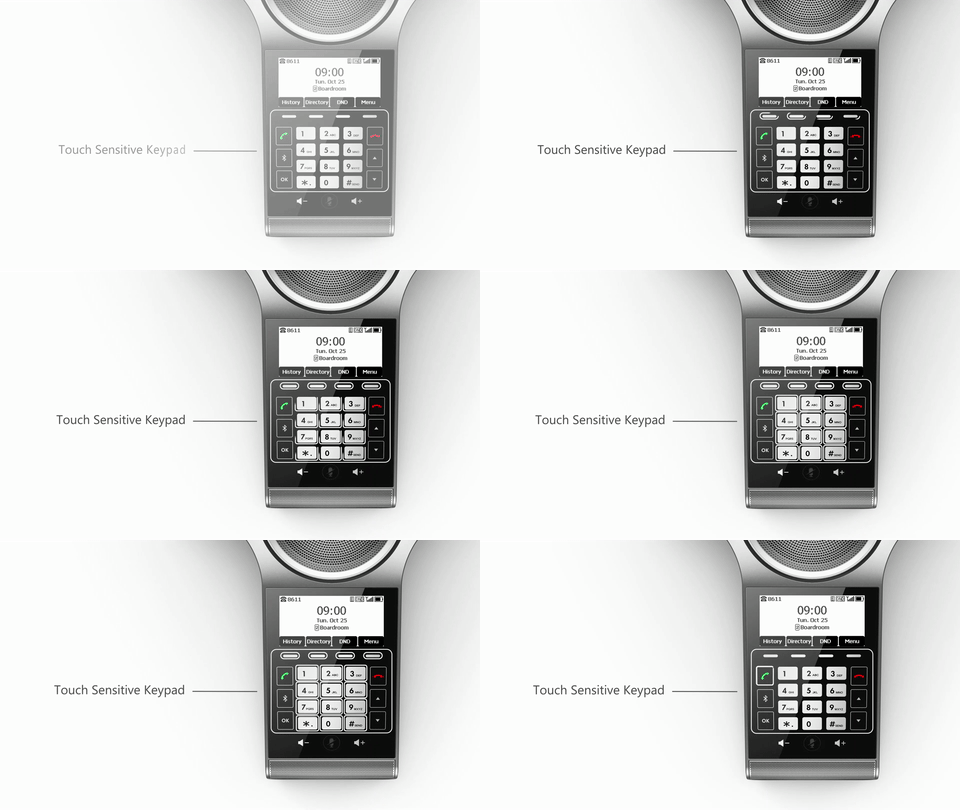 Incorporated with a 3.1” 248×120-pixel graphical LCD display for easy information browsing. A sensitive touch keypad which puts main conferencing function keys at the user’s fingertips. Three one-touch mute buttons with LED indicators allow switch between mute and unmute with ease, and reduce accidental operations.
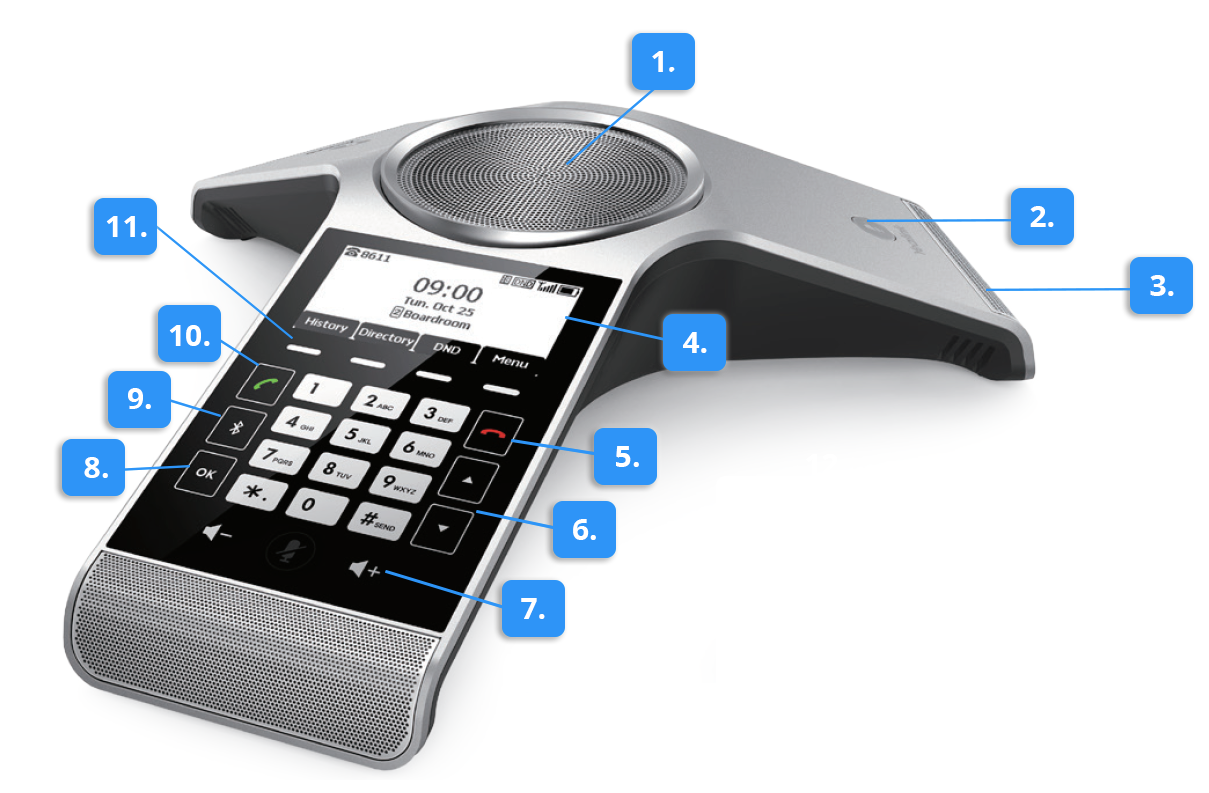
Button Overview
1. Speaker. Provides audio output.
2. Mute key. Mute your microphone audio from being heard. You can toggle this key to turn the microphone on and off.
3. Microphone. Three microphones providing 6 meters, 360-degree sound pickup.
4. Display Screen. Access multiple menus and features using the soft keys, such as your call log, directory, and system settings.
5. On-hook/Power Key.
- Press briefly to return to the previous screen.
- Long press to return to the idle screen.
- Press to turn the handset on/off.
6. Arrow Keys. Scroll up and down through the displayed information.
7. Volume control keys. Turn up or down the volume of the ringer and speaker.
8. OK key. Confirms answers or answers incoming calls.
9. Bluetooth key. Access Bluetooth settings.
10. Off-hook key/Answer key.
- Answers an incoming call.
- Enters the redial calls list.
- Places a call.
11. Soft Keys. These keys allow you to choose various context-specific options as displayed on the screen directly above them.
Specifications
- Optimal HD Audio
- Background noise suppression
- 20-foot (6-meter) microphone pickup range
- Optimal HD Audio
- Built-in 3-microphone array, 360-degree voice pickup
- 3.1” 248×120-pixel graphical LCD with backlight
- Sensitive touch keypad
- Power over Ethernet
- 5-way conference call
- SIP Communication
- G.722, G.722.1C, G.726, G.729, G.723, iLBC, Opus, PCMA, PCMU Audio Codecs
- Full-duplex speakerphone with AEC
- Echo cancellation tail length is up to 320ms
- No external microphone support
- Built-in Wi-Fi (2.4GHz, 802.11.b/g/n)
- Built-in Bluetooth 4.0
- Local USB call recording
Compatibility
- Can be used with a variety of SIP compatible hosted service providers and SIP compatible IP PBX systems
- Check with your hosted provider or IP PBX documentation to confirm system compatibility
Includes
- Yealink CP920 conference phone
- Network cable (7.5 meter)
References
Related products

Xilica Lucia (Decora)
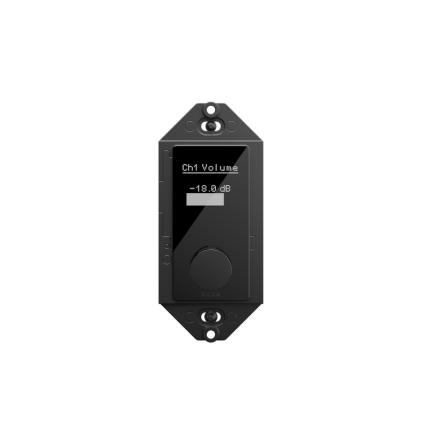
When spaces have been designed to foster great collaboration, nothing should get in the way. Lucia delivers simplified control of up-to 32 individual system parameters, presets, sources and levels, without adding distraction. As the industry’s only retractable rotary control1, Lucia occupies a much smaller footprint2 than comparable products — with just 0.4” of visible depth — and harnesses capacitive touch for command selection, eliminating buttons or toggles that clutter and confuse.
Xilica Lucia (EU/UK)
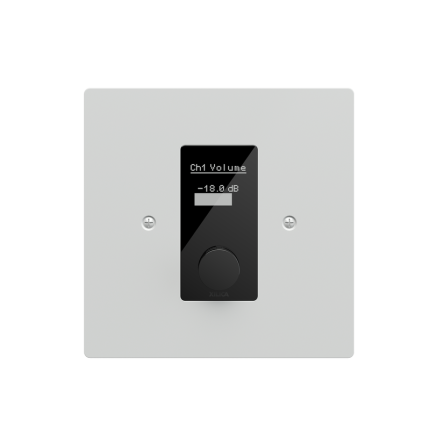
When spaces have been designed to foster great collaboration, nothing should get in the way. Lucia delivers simplified control of up-to 32 individual system parameters, presets, sources and levels, without adding distraction. As the industry’s only retractable rotary control1, Lucia occupies a much smaller footprint2 than comparable products — with just 0.4” of visible depth — and harnesses capacitive touch for command selection, eliminating buttons or toggles that clutter and confuse.